 Mango Labs
The best digital menu platforms for restaurants in 2026
Eight QR code menu makers compared on price, languages, design control and what happens to your guests' data, with a note on which one fits which kind of restaurant.
If you've searched for "digital menu" lately you'll have noticed that every result is either a QR code generator with a menu bolted on, or a full point-of-sale system that happens to include one. Both work. Neither is quite what most restaurants are asking for, which is a menu guests can open on their phone that looks good, stays up to date and doesn't cost the price of a dishwasher.
So I spent a couple of weeks going through the platforms that come up most often, across a few different markets, to see what each one actually does well. Full disclosure first: we make one of them, Menoodo, so I'm not a neutral observer. I've tried to keep the facts straight and the opinions labelled as opinions, and I've included the things about our own product that might rule it out for you.
Prices below were checked in September 2026 and will drift. Check the vendor's page before deciding anything.
What I was looking at
Every one of these will put a menu behind a QR code. The differences show up in the details:
- Is the menu the product, or a side effect? Ordering platforms treat the menu as a checkout page. That shapes everything, from how it looks to what's on the free plan.
- What you pay for a menu. Some are free, some start at $10 a month, some start at €99 and a sales call.
- Languages. If tourists or expats are a real share of your room, "multi-language support" needs a closer look. Sometimes it means a dropdown, sometimes it means you type everything twice.
- Design control. Whether the menu can look like your restaurant, or only like the vendor's template.
- Where it works. A few of these are region-locked, or at least region-focused, and that matters more than any feature.
- What happens to your guests' data. A menu is an odd place to be tracked. Not everyone thinks so.
Anyway, here they are.
Menoodo
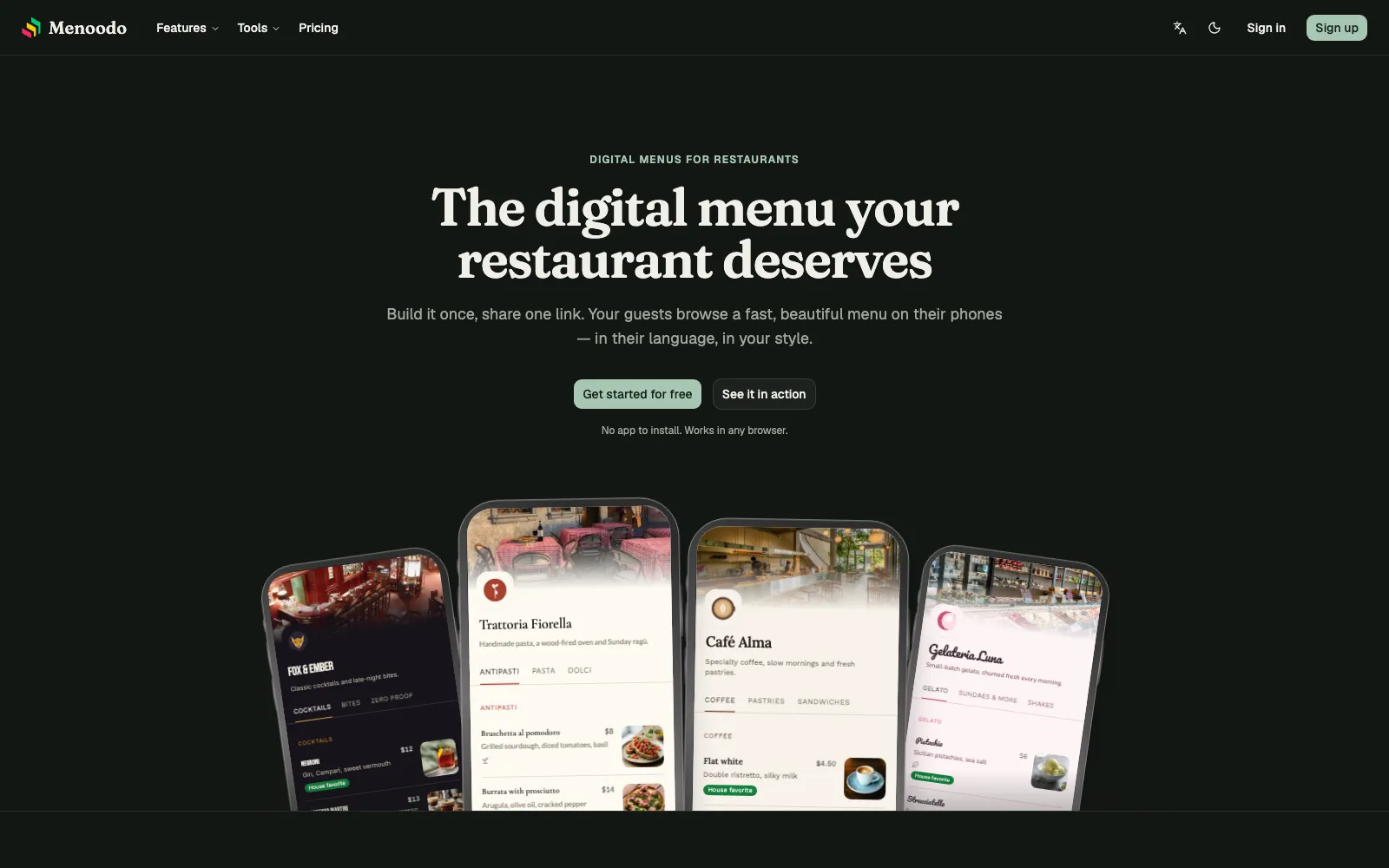
This one is ours, so read accordingly. We built Menoodo around a narrow idea: the menu is the product. There's no ordering, no POS, no delivery. You import your menu (a PDF, a spreadsheet or your current website, with AI doing the typing), make it look like your place, translate it, and put a QR code on the table.
Best for: restaurants that already handle orders and payments the way they like, and want the menu itself to be excellent, especially in more than one language.
Pros:
- Languages are the core, not an add-on: around 120 menu languages including right-to-left ones, auto-translation drafts that you approve before publishing, and a dashboard in eight languages.
- Real design control: presets to start from, then your colors, fonts, logo and cover photos, with a live phone preview. A matching QR designer with SVG export for the print shop, free even without an account.
- Menus that change on their own: lunch specials that appear and leave on schedule, sold-out dishes marked instead of hidden, dietary tags next to the dishes that need them.
- Privacy that goes both ways: no ad trackers or third-party cookies on the menu, guests are asked before views are counted, data is hosted in the EU, and nothing is sold or shared.
- Reviews and analytics from the menu itself: guests rate the visit without installing anything, and you see which dishes get read and which languages people switch to.
Cons:
- No ordering or payments. If you want guests to order from the QR code, this isn't it.
- It's new. It launched in September 2026, so it doesn't have a decade of integrations behind it.
- The free plan shows a small Menoodo banner and caps at 30 dishes and one language.
Pricing: Hobby is free and stays free; Pro $12/month, Max $29/month, less on annual billing, both with a 30-day free trial. Prices are localized, so the amount you see depends on your country.
MENU TIGER
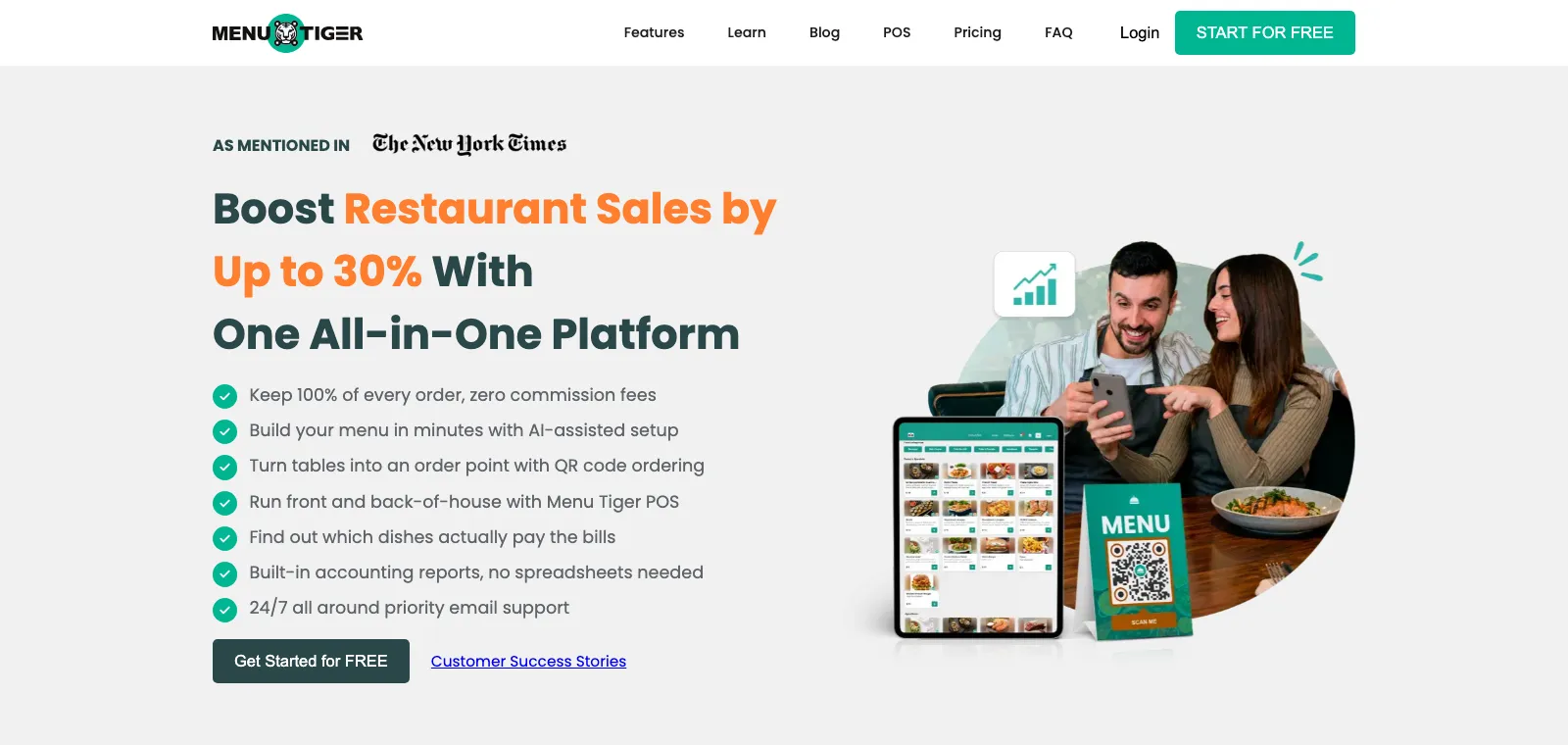
MENU TIGER is probably the most searched-for name in this space, and it has grown from a QR menu builder into an ordering and POS platform. It's used worldwide and the free plan is genuinely free, just small.
Best for: restaurants that want QR table ordering and a menu in one place, without paying commissions.
Pros:
- A real free plan with QR ordering included, and no commission on orders on any plan.
- AI menu builder, multi-language support and integrations (POS, Canva, Zapier) on the paid plans.
- Scales up into kitchen display and table management if you grow into it.
Cons:
- The free tier is tight: one store, 7 categories with 7 items each, 10 table QR codes and a cap on monthly orders.
- It's an ordering product first, and the menu pages look like it. Branding is limited unless you pay for the white-label domain on the top plan.
- Plans climb quickly once you need more tables or more stores.
Pricing: free; Regular $17/month, Advanced $46/month, Premium $119/month, about 15% less on annual billing.
GloriaFood
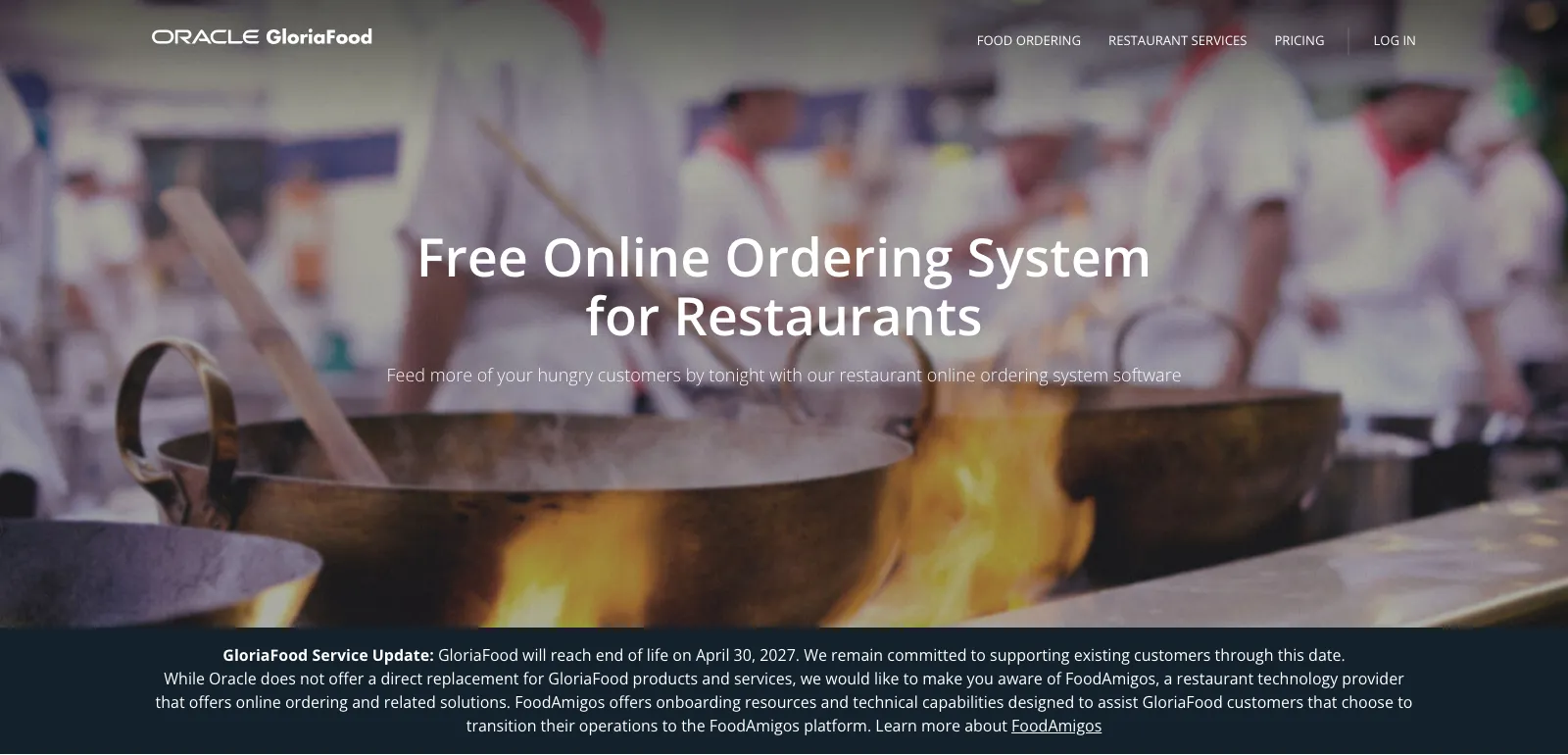
GloriaFood, now part of Oracle, made its name by giving away online ordering for free and charging only for extras. The QR menu for dine-in ordering is part of the free bundle.
Best for: takeaway and delivery-heavy places that want free ordering and don't mind that the menu is a means to that end.
Pros:
- Free means free: unlimited orders, unlimited locations, no commission, no monthly fee.
- Solid ordering features, with scheduled orders, coupons, reservations and out-of-stock handling.
- The paid add-ons are optional, like online payments at $29/month and promo marketing at $19/month.
Cons:
- It's being shut down. Oracle has announced that GloriaFood reaches end of life on April 30, 2027, and is pointing customers at a third-party provider. I wouldn't start a new menu on it today.
- The menu is a checkout page, with little say over how it looks.
- Online payments cost extra, which is the one add-on most people end up needing.
Pricing: free, with paid modules from $19/month.
Square for Restaurants
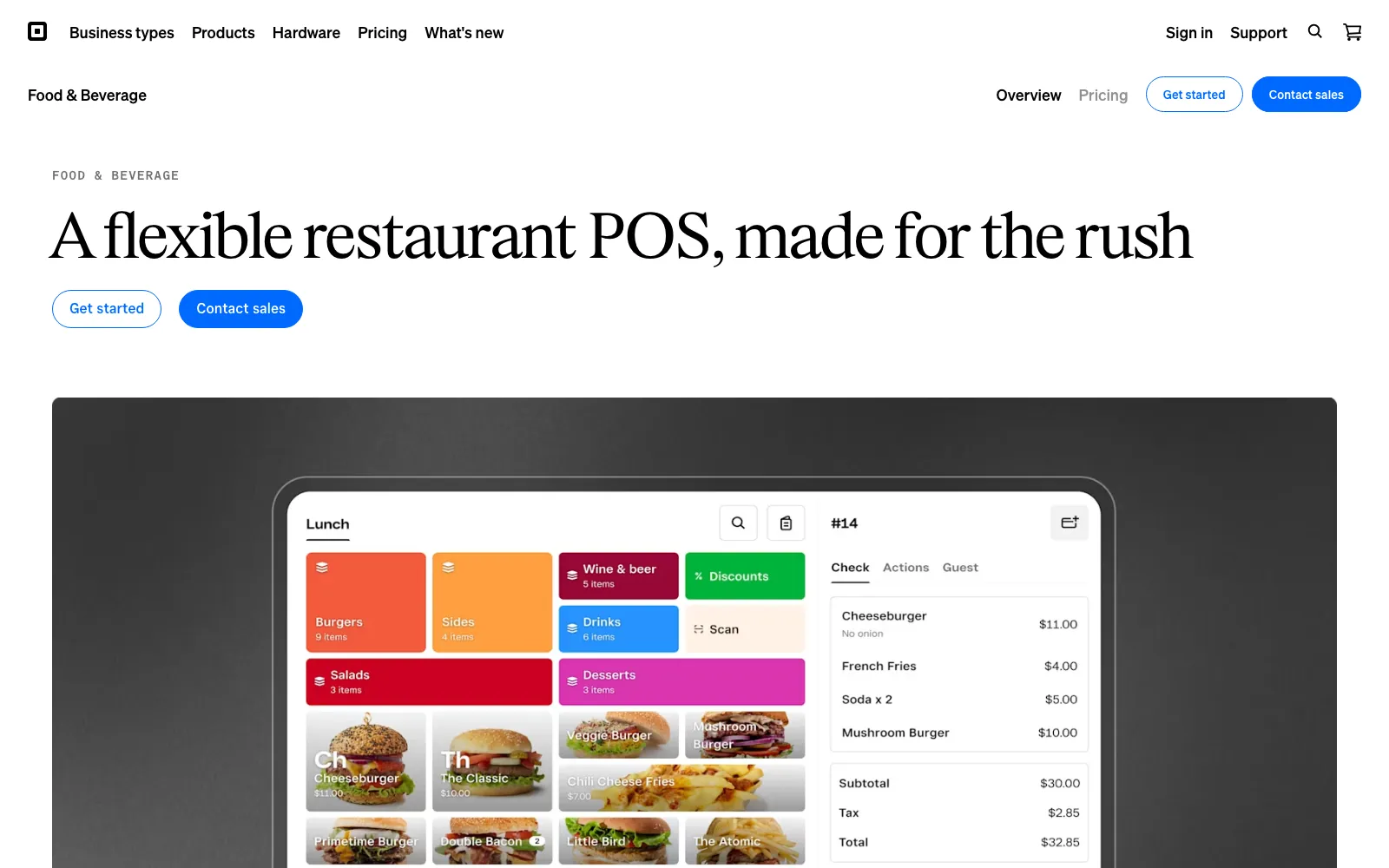
Square is the POS a lot of cafés and counters already run on, and it has QR ordering and payments built in through Square Online. If you're already on Square, this is the path of least resistance.
Best for: restaurants that already use Square and want one vendor for menu, orders and payments.
Pros:
- A free plan with menu management, online ordering and QR payments; you pay card processing fees only.
- Everything stays in sync: the menu you sell from is the menu guests see.
- Available in several countries, including the US, Canada, the UK, Ireland, Australia, France, Spain and Japan.
Cons:
- The menu is a byproduct of the POS. Layout and branding are functional, not something you'd frame.
- Switching POS just for a menu is a big move. If you aren't on Square already, this probably isn't the reason to move.
- Paid tiers are per location, and the hardware adds up.
Pricing: free plan with processing fees; Plus and Premium tiers priced per location.
Menubly
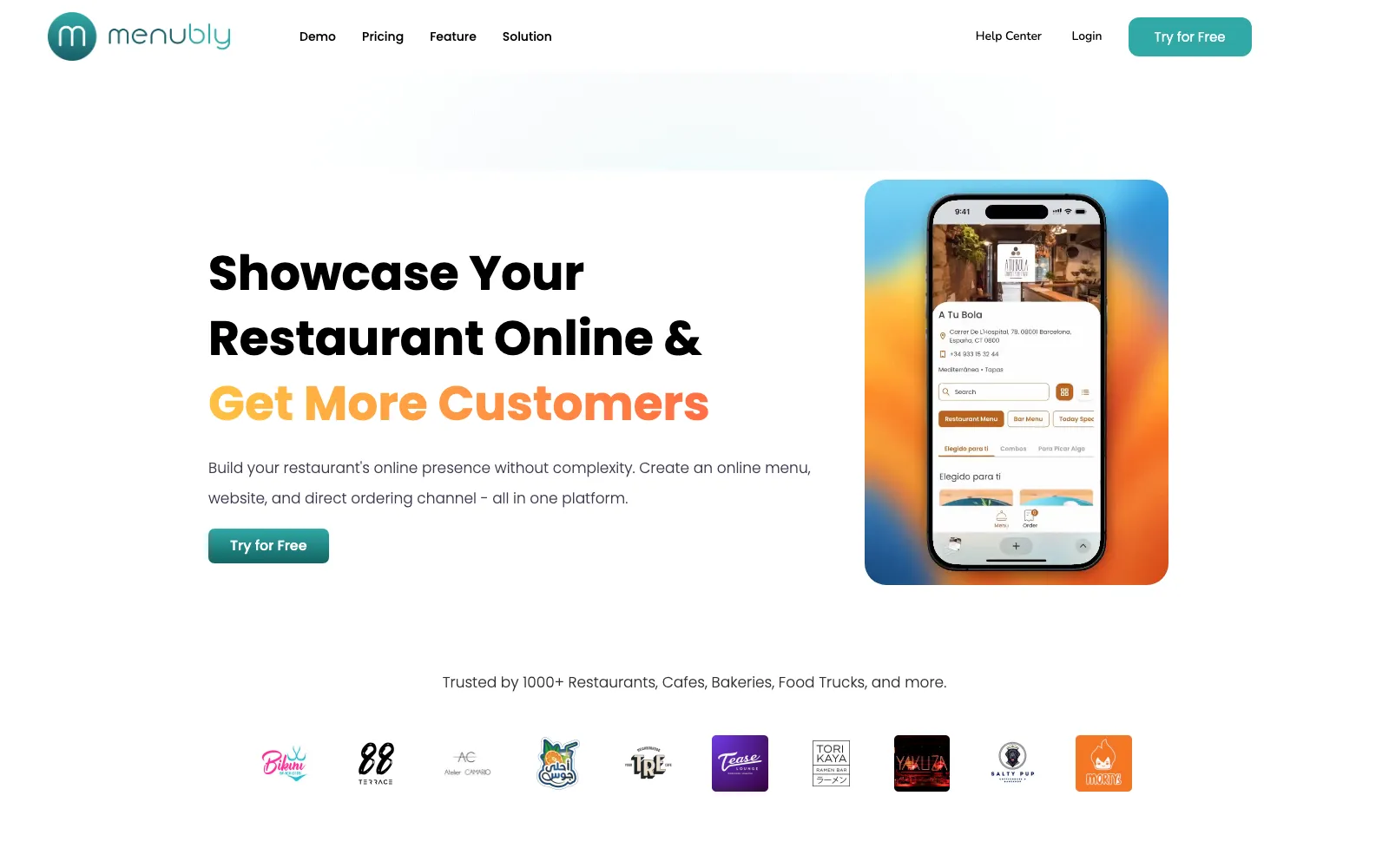
Menubly is the budget pick that keeps showing up in these lists, and for good reason: the free plan gives you a mini website, a menu and a QR code, and Pro is under $10 a month.
Best for: small independents who want a link-in-bio style page plus a menu for the least money possible.
Pros:
- Cheap, and the free plan is usable rather than a teaser.
- Free PDF conversion: their team turns your existing menu into a digital one.
- Commission-free ordering for pickup and delivery if you want it.
Cons:
- One menu and one QR code on Pro; unlimited needs a custom plan.
- Menubly branding on the free plan, and the design options are fairly basic.
- Translation and scheduling aren't the focus, as far as I could tell, so multilingual rooms will feel the gap.
Pricing: free; Pro $9.99/month, or $7.99/month billed annually.
FineDine
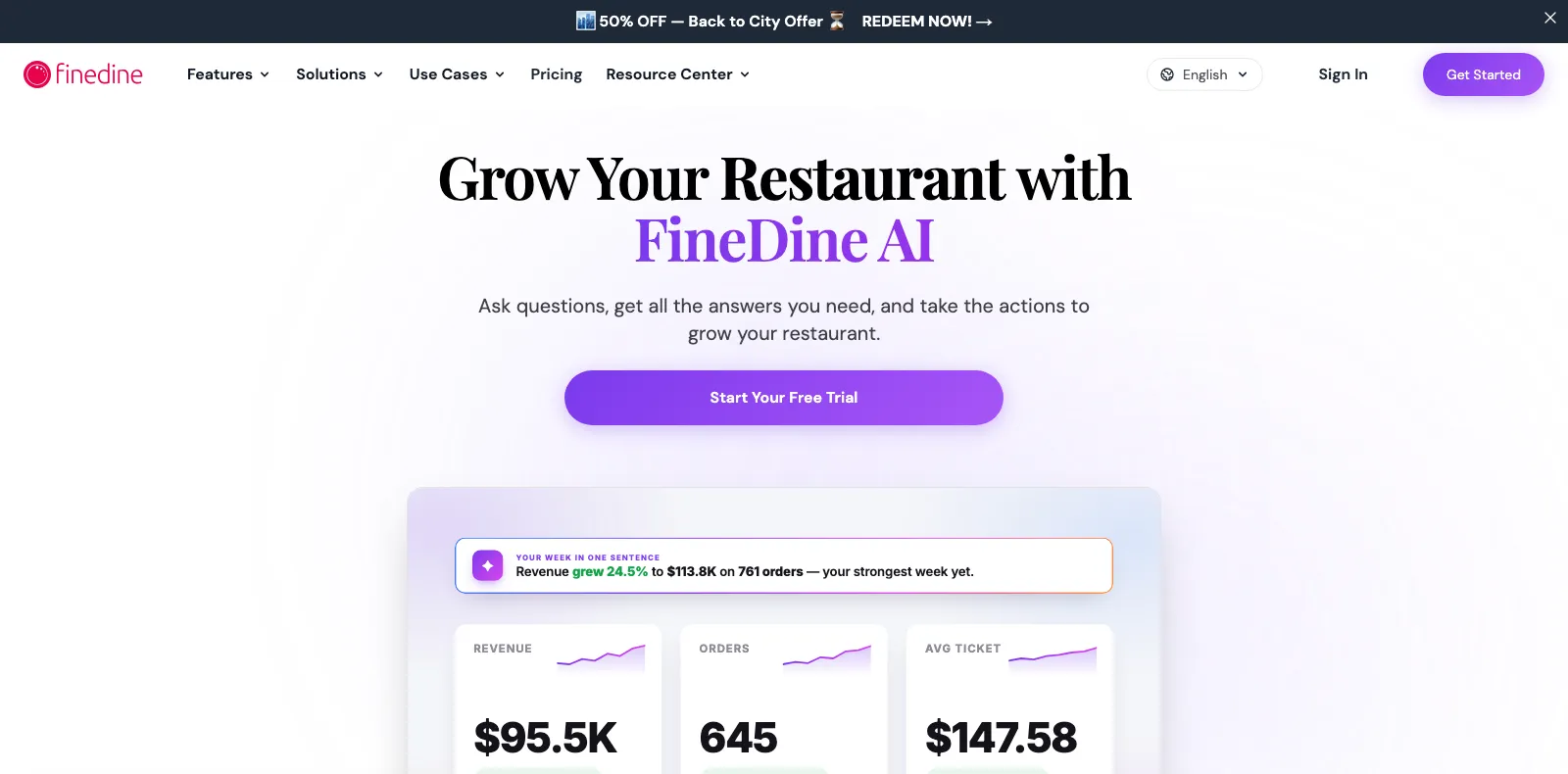
FineDine started with tablet menus for hotels and fine dining and is now strong across the Middle East, Turkey and parts of Asia and Europe. It's the most polished of the "menu as hospitality experience" options here.
Best for: hotels, upscale venues and tourist spots that want tablets on the table as well as QR codes.
Pros:
- Tablet and QR menus from the same system, with an AI menu builder and photo tools.
- Multiple languages and currencies on Growth and above.
- Guest CRM and marketing built in, if you want that.
Cons:
- No free plan, and the Starter tier is limited to one language and 100 items.
- Languages are a mid-tier feature, which for a tourist restaurant is the whole point.
- List prices are on the high side for a menu; the site leans on time-limited discounts.
Pricing: Starter $29/month, Growth $69/month, Premium $135/month billed annually, heavily discounted at the time of writing.
Flipdish
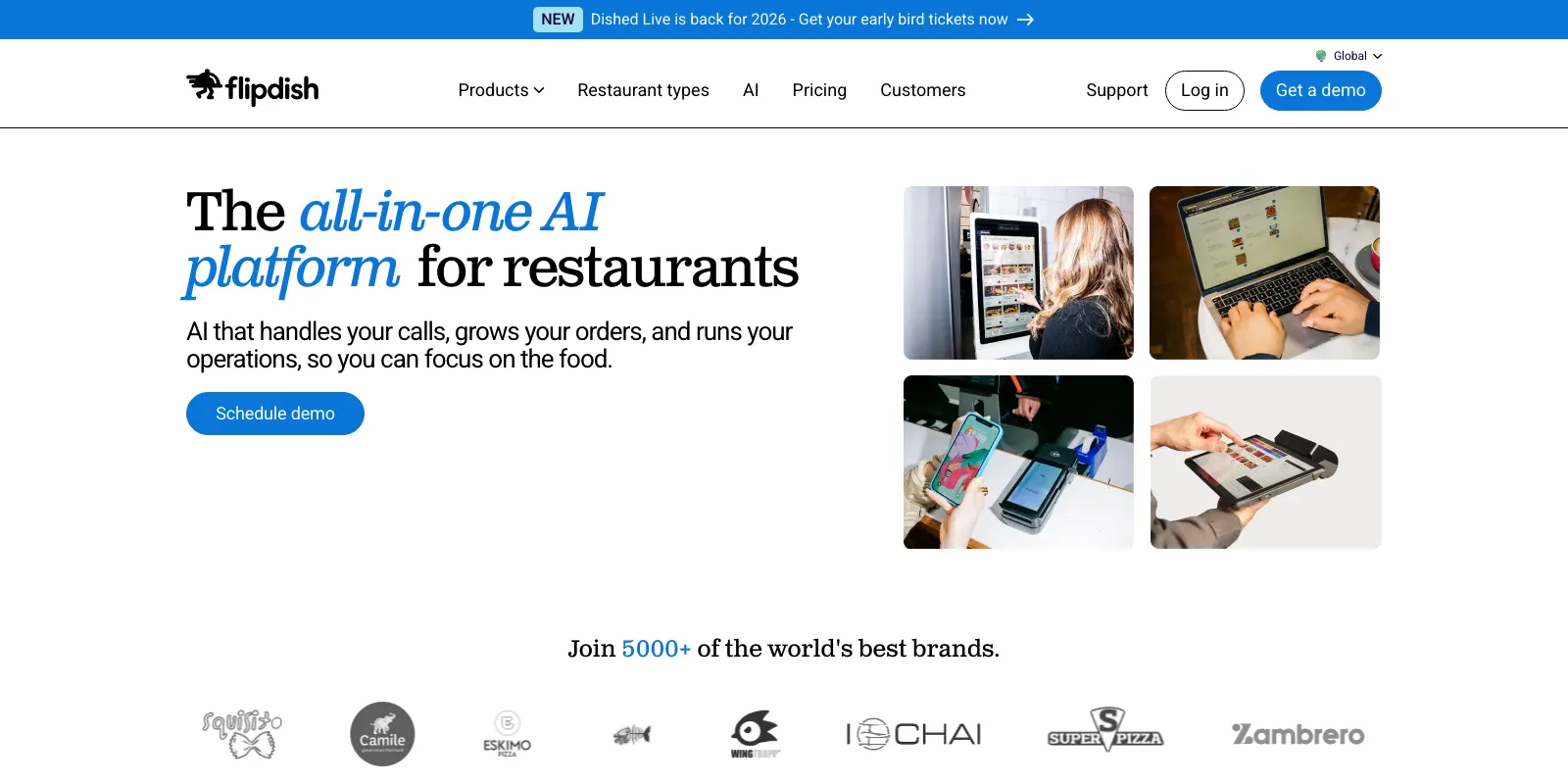
Flipdish is Irish, well established across the UK and Ireland and growing in Europe, and it sells a full stack: POS, online ordering, kiosks, branded apps. The QR menu is one piece of that.
Best for: multi-site groups in the UK and Europe that want a single vendor and a demo before they buy.
Pros:
- A complete platform with POS, ordering, kiosks and kitchen display.
- Branded apps and websites for restaurants that want their own ordering channel.
- A European company, which matters for data residency and support in that timezone.
Cons:
- Expensive for a menu: the bundle starts at €99/month on annual billing.
- Sales-led: you book a demo rather than sign up and try.
- Overkill for a single restaurant that just wants its menu online.
Pricing: POS and online ordering bundle at €99/month billed annually, or €129/month monthly.
Goomer
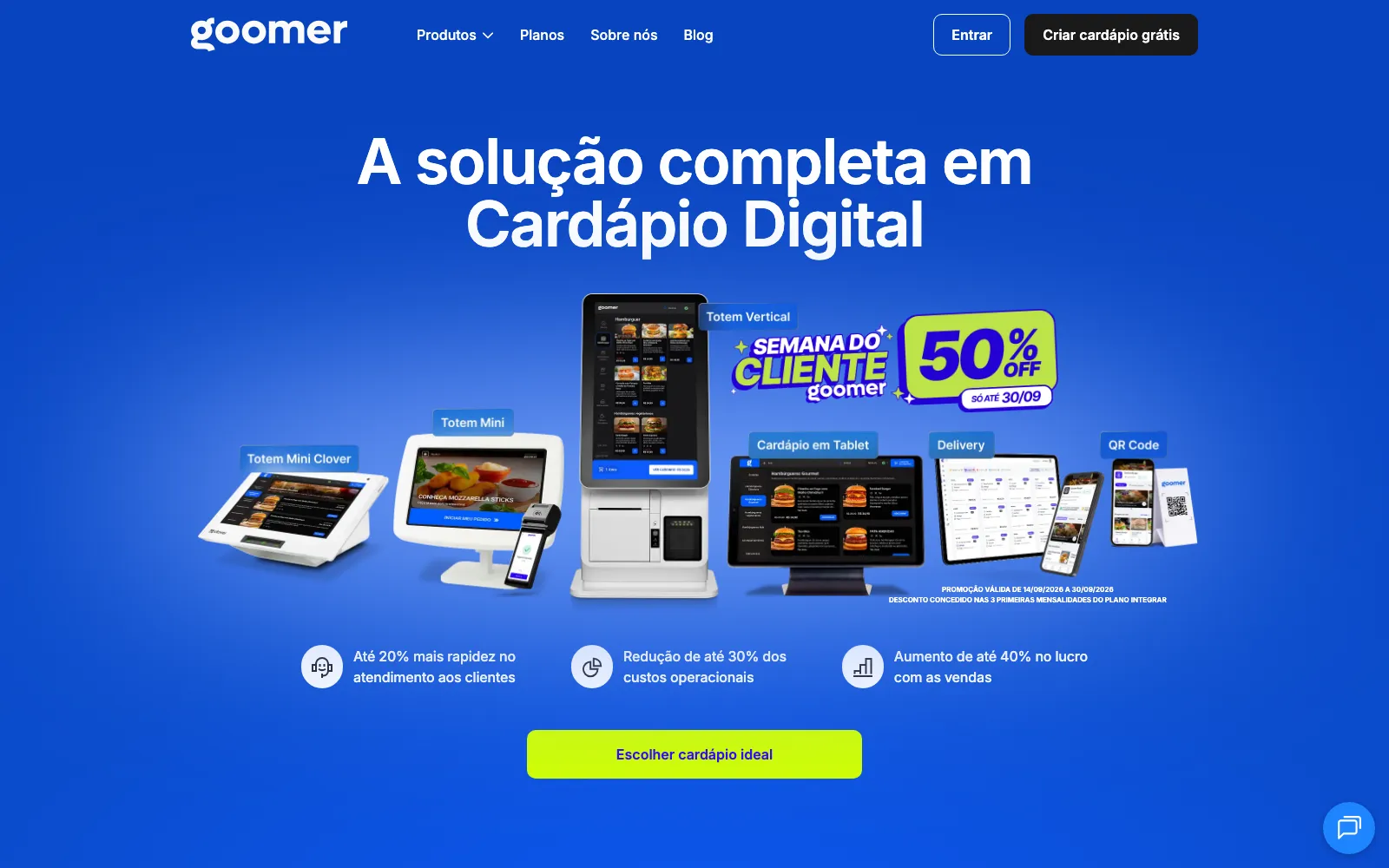
Goomer is the name in Brazil. It claims over 400,000 businesses and sells the full range: QR menus, tablet menus, self-service totems and WhatsApp delivery, with integrations into the POS systems Brazilian restaurants actually use.
Best for: Brazilian restaurants that want QR menus, kiosks and delivery from one local vendor with local support.
Pros:
- Everything, locally: QR, tablet, totem, delivery, and over 80 POS integrations (Linx, Saipos and so on).
- Commission-free delivery through WhatsApp.
- Ten years in the market and support in Portuguese.
Cons:
- Brazil only, and the product is in Portuguese only.
- Pricing isn't public: plans are quote-based.
- Hardware-oriented: the pitch is built around totems and tablets, so a plain QR menu can feel like the minor product.
Pricing: on request, across three tiers (Básico, Automatizar, Integrar).
So which one?
This is where I'd send different restaurants:
- You already run Square. Stay there and turn on QR ordering. It's the shortest path.
- You want free ordering with zero commission. MENU TIGER's free plan, or Menubly. I'd skip GloriaFood now, because of the shutdown date.
- You're a group in the UK or Europe buying a whole stack. Book the Flipdish demo.
- You're in Brazil and want totems and delivery from one vendor. Goomer.
- You're a hotel or upscale venue that wants tablets on the table. FineDine.
- You want the menu itself to be great, in your guests' languages and your own colors, without turning it into a checkout. That's what we built Menoodo for. Start on the free plan and see if it earns a paid one.
The thread through all of this: figure out whether you're buying a menu or a sales channel before you compare prices. An ordering platform priced as a menu is expensive, and a menu forced to be an ordering platform is usually ugly.
If you try Menoodo and something reads badly in your language, or a feature you need is missing, tell us. That kind of feedback is what next month's changes are made of.